Select root Add Virtual Bone >root Name:Curves Select Curves Add Virtual Bone >root Name:ik_foot_root Select ik_foot_root Add Virtual Bone >foot_r Name:ik_foot_r Select ik_foot_root Add Virtual Bone >foot_l Name:ik_foot_l
Select ik_foot_r Add Virtual Bone >foot_r Name:ik_foot_r_offset Select ik_foot_l Add Virtual Bone >foot_l Name:ik_foot_l_offset
Select ik_foot_r Add Virtual Bone >calf_r Name:ik_knee_target_r Select ik_foot_l Add Virtual Bone >calf_l Name:ik_knee_target_l
Select root Add Virtual Bone >foot_r Name:foot_target_r Select root Add Virtual Bone >foot_l Name:foot_target_l
Option>Show Retargeting Option Recursively Set Translation Retargeting Skeleton root > Translation Retargeting go to>Animation Pelvis > Translation Retargeting go to>Animation
ここでALS_AnimBPを右クリックしてリターゲット ALS> N2Bで置換しつつリターゲット
How to integrate MetaHumans with ALSV4 | Part 1/3 | UE4 18:04/35:47 ALS_N2B_CharactorBP>EventGraph ParentTick > Update Coloring System Disconnect ParentTick x Update Coloring System
ALS_N2B_CharactorBP>Construction Script Set MatserPose Component > Set Dynamic Material Disconnect Set MatserPose Component x Set Dynamic Material
How to integrate MetaHumans with ALSV4 | Part 1/3 | UE4 24:26/35:47
N2B_AnimBP Open Window>FindResult input ik_foot FindResult Replace All hand ik_foot_r > VB ik_foot_r ik_foot_l > VB ik_foot_l ik_foot_root >VB ik_foot_root
goto AnimGraph Go to Left Side OverLayLayer >Overlay States> Feminine >Copy All Back Overlay States>Default>Past
Retarget > ALS_Montage Action All Select Replace ALS >N2B Retarget
Open ALS_N2B_CharactorBP window>FindResult “switch on overlay state” Result2,3,4,5, open ALS_Montage >N2B_Montage
膝がかなり離れている場合 If your knees are far apart N2B_AnimBP >AnimGraph>Linked Anim Layer Foot IK Modify Knee Targets Comment Transform(Modify)Bone >Translation 20 10 5 Transform(Modify)Bone >Translation -20 -10 -5
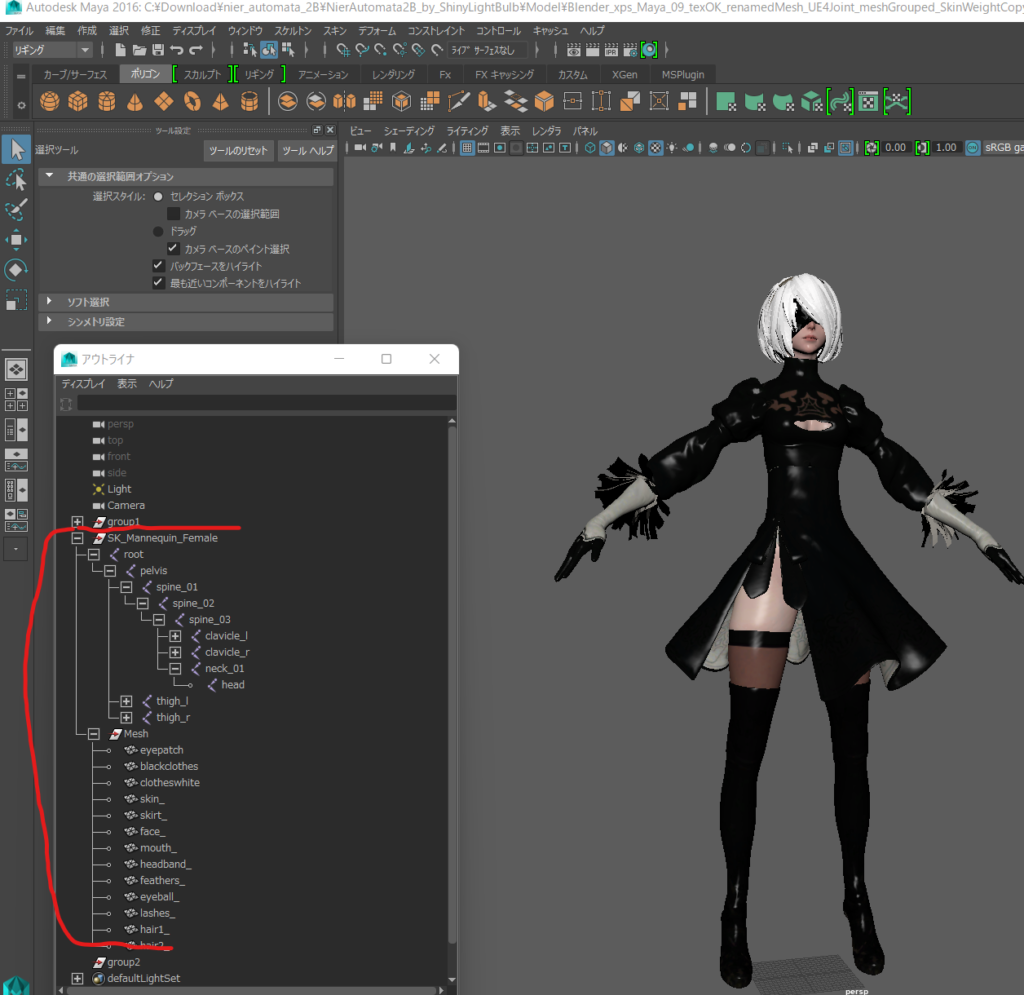
Montage is not good high root motion FBX export And Delete root joint keyframe animation N2B_N_LandRoll_F N2B_N_Mantle_1m_LH N2B_N_Mantle_1m_RH N2B_N_Mantle_2m (mean ‘s root joint is Go to Change “SK_Manequin_Female” Then Can’t Delete UE4 Root Motion)
// Copyright Epic Games, Inc. All Rights Reserved.

#pragma once

#include "CoreMinimal.h"

#include "Modules/ModuleManager.h"

class FShader_MatCustom : public IModuleInterface
{
public:
    virtual void StartupModule() override;
    virtual void ShutdownModule() override;


};
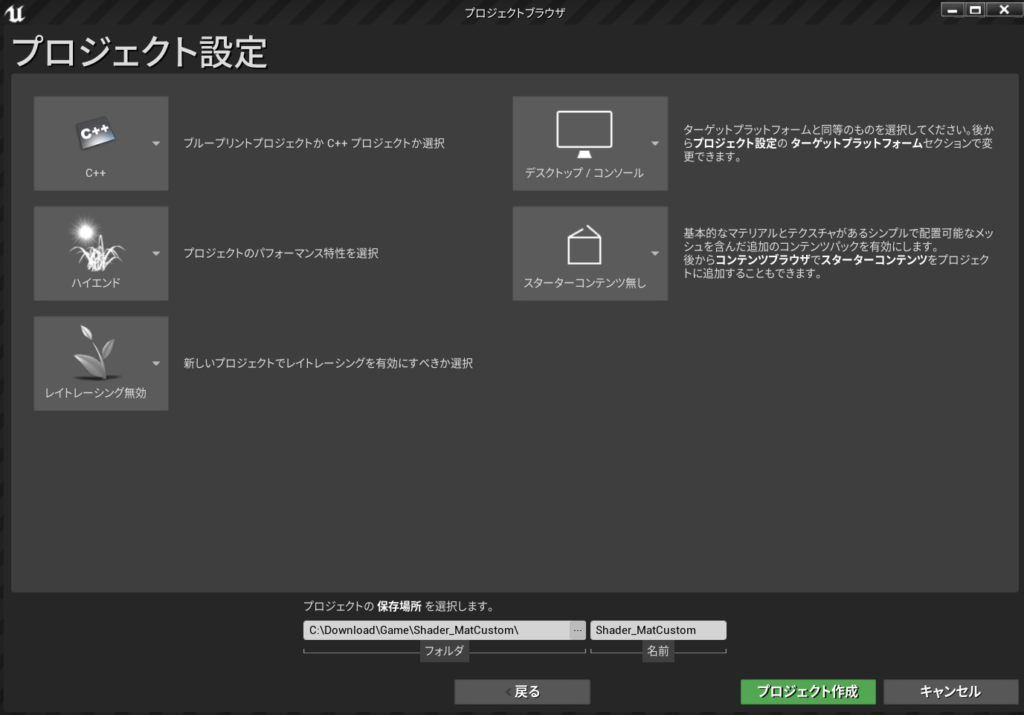
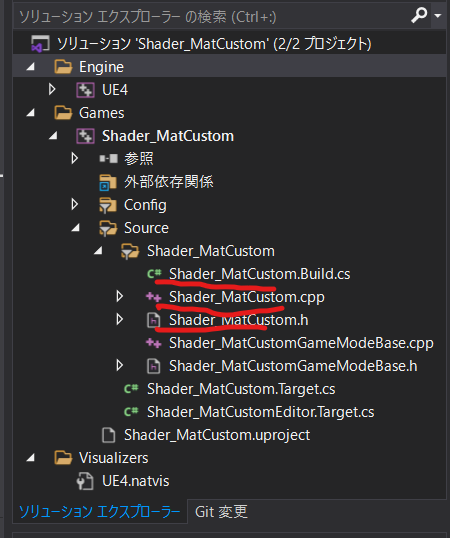
Shader_MatCustom.cpp
// Copyright Epic Games, Inc. All Rights Reserved.

#include "Shader_MatCustom.h"
#include "Modules/ModuleManager.h"

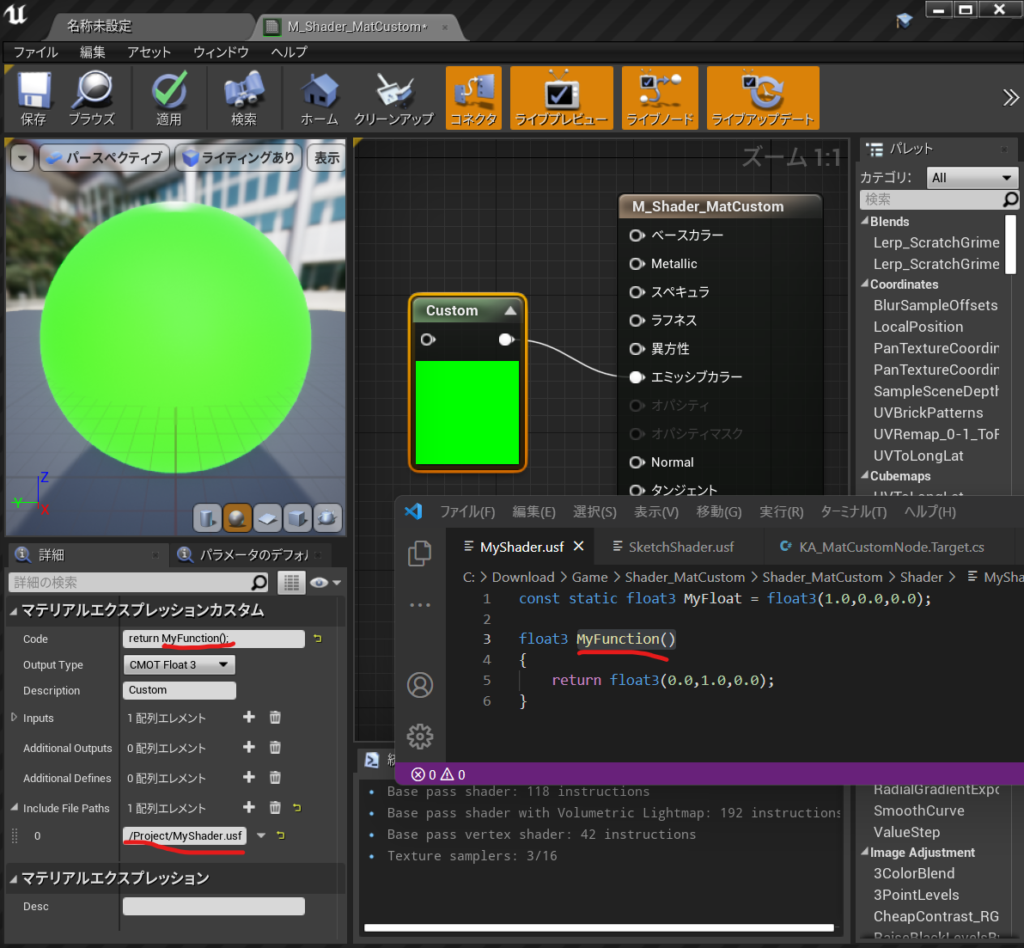
IMPLEMENT_PRIMARY_GAME_MODULE( FShader_MatCustom, Shader_MatCustom, "Shader_MatCustom" );//3つの書き換え


void FShader_MatCustom::StartupModule()
{
    FString ShaderDirectory = FPaths::Combine(FPaths::ProjectDir(), TEXT("Shader"));
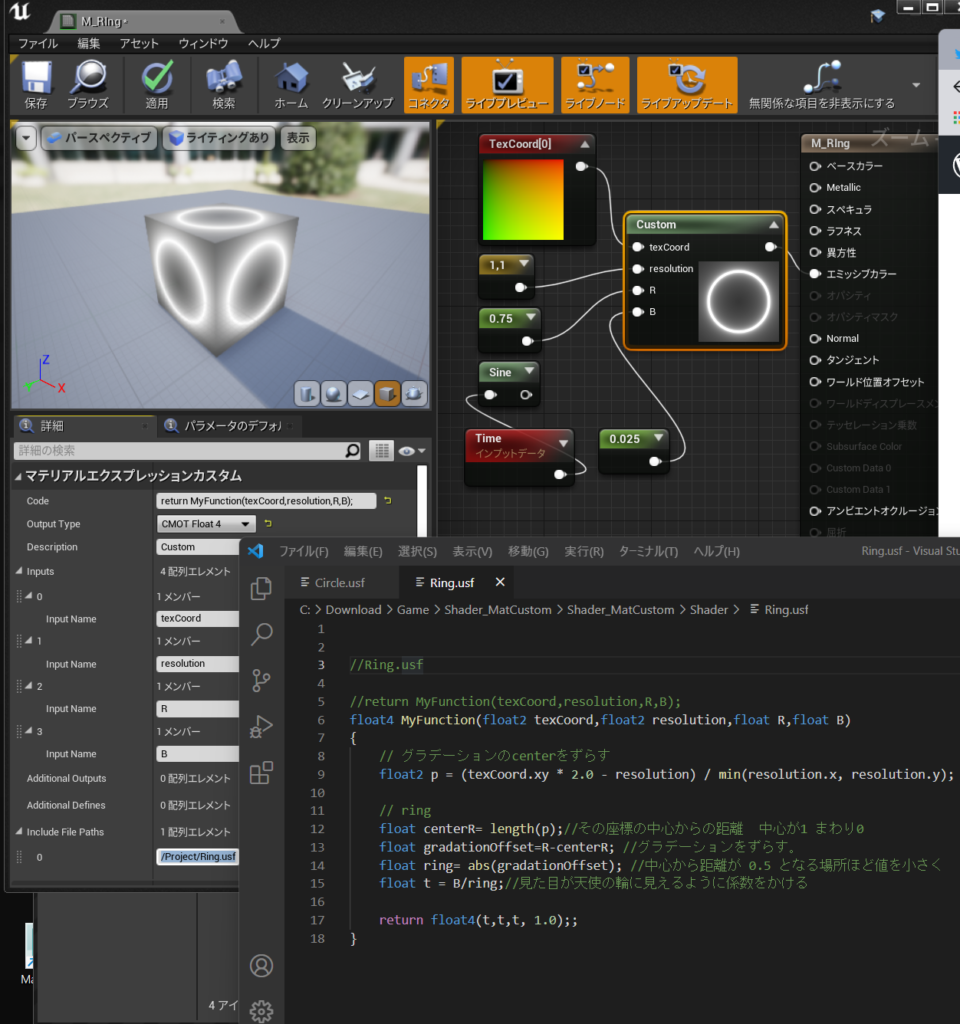
    if (!AllShaderSourceDirectoryMappings().Contains("/Project"))
    {
        AddShaderSourceDirectoryMapping("/Project", ShaderDirectory);
    }

}

void FShader_MatCustom::ShutdownModule()
{
}
Shader_MatCustom.Build.cs
// Copyright Epic Games, Inc. All Rights Reserved.

using UnrealBuildTool;

public class Shader_MatCustom : ModuleRules  // ←クラス名リネーム
{
	public Shader_MatCustom(ReadOnlyTargetRules Target) : base(Target)  // ←クラス名リネーム
	{
		PCHUsage = PCHUsageMode.UseExplicitOrSharedPCHs;

		PublicDependencyModuleNames.AddRange(new string[] {  //改行して展開した。
			"Core",
			"CoreUObject",
			"Engine",
			"InputCore",
			"RenderCore",  // ←追記
			"RHI"         // ←あとで必要になるので追記(パス追加に関係ない)
		});

		PrivateDependencyModuleNames.AddRange(new string[] {  });


		// Uncomment if you are using Slate UI
		// PrivateDependencyModuleNames.AddRange(new string[] { "Slate", "SlateCore" });

		// Uncomment if you are using online features
		// PrivateDependencyModuleNames.Add("OnlineSubsystem");

		// To include OnlineSubsystemSteam, add it to the plugins section in your uproject file with the Enabled attribute set to true
	}
}